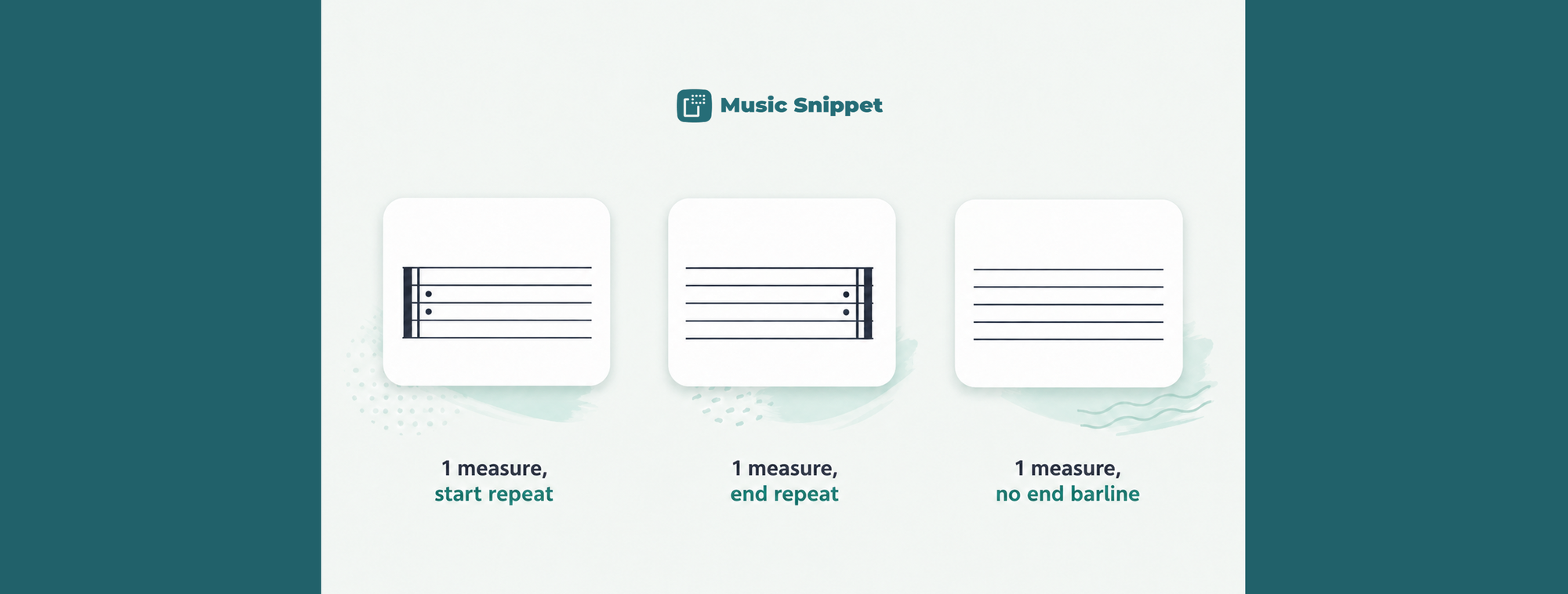
Every music teacher needs blank staff paper, usually five minutes before class. The old options are all a bit annoying: search the web for a printable PDF, download it, hope the spacing matches what you're teaching, and print it as a separate sheet that lives apart from your actual worksheet. If you want the blank staves inside a document you're already writing, alongside your instructions, you're mostly out of luck.
There's a neat trick for this. With the free Music Snippet add-on you can create blank staff or tab paper right inside a Google Doc, sized exactly how you want, and place it directly into the worksheet you're building.
The idea: build a staff, then hide the notes
Music Snippet creates notation, so to make an empty staff you build a normal snippet and then make the notes invisible. You add notes across the measures to establish the spacing you want, set those notes to transparent, and you're left with clean staff lines and nothing on them. The structure stays, the notes vanish. It's a small workaround, but it gives you exactly the blank staves you need, at exactly the width you need.
What is Music Snippet?
Music Snippet is a free add-on for Google Docs and Google Slides (and Microsoft Word and PowerPoint) that lets you create music notation and tablature and insert it into your document as an image. It's made by the team behind Flat for Education and used by more than nine million people. For blank paper, it doubles as a quick custom staff-paper generator.
How to make blank staff paper in Google Docs, step by step
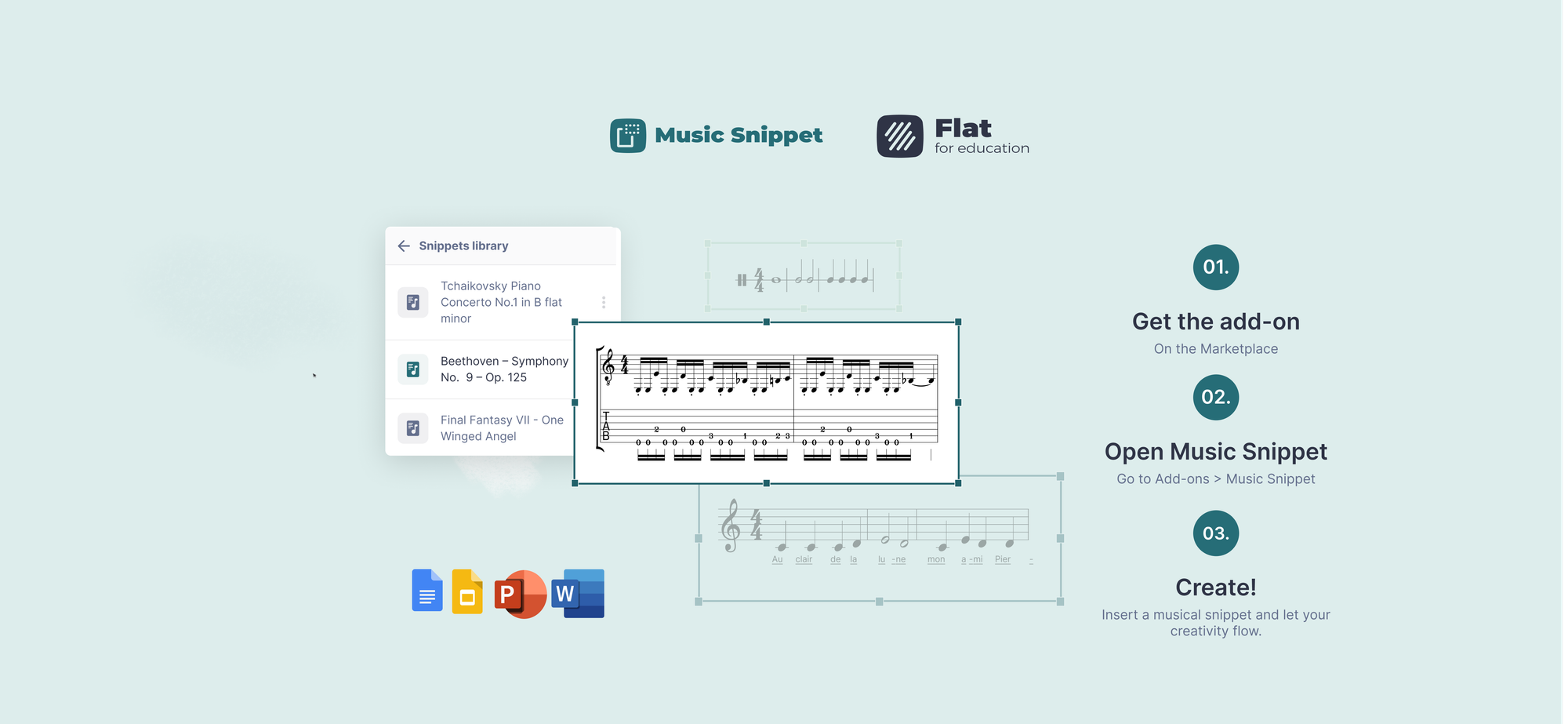
- Install the add-on. In a Google Doc, open the Extensions menu, choose "Get add-ons," search for "Music Snippet," and install it.
- Open Music Snippet. Go back to the Extensions menu, hover over Music Snippet, and click "Open Music Snippet."
- Choose your staff type. Click "New Music Snippet" and pick what you need: a single staff, two staves, or a guitar or ukulele tablature staff for blank tab paper.
- Set the number of measures. Add or remove measures to control how many blank bars appear per line. This is where you decide how much room students get.
- Add notes, then make them transparent. Enter notes across the measures to fix the spacing, then set those notes to transparent. The staff lines remain; the notes disappear, leaving clean blank staves.
- Insert it into your Doc. Click "Add to Document." The blank staff paper appears as an image you can resize and print.
Blank tab paper, the same way
The same method works for guitar and bass students. Choose a tablature staff instead of a standard one, set your measures, make the notes transparent, and you've got blank tab paper embedded in your handout. Useful for fingering exercises, "write your own riff" assignments, or fretboard practice sheets.
Why this beats a downloaded PDF
A printable PDF from the web is a fixed sheet: someone else's spacing, someone else's layout, and a separate file from your worksheet. Building the staves in Music Snippet means the blank paper lives inside the same Google Doc as your title, your instructions, and your examples. You control the number of bars and the size. And students can either write on the printed copy or, if they have Music Snippet installed, complete the exercise digitally in their own copy.
Make it once, keep it forever
Sign in with a Flat for Education account and your blank-staff snippets save to a score library in a dedicated Music Snippet folder. Build a four-bar blank staff and a blank tab template once, and they're ready to drop into any future worksheet, in Docs, Slides, Word, or PowerPoint.
Blank staves, built in
You don't need to hunt for a printable PDF or keep a folder of staff-paper files. Install Music Snippet, build the blank staves you actually want, and place them straight into the worksheet you're already writing.
Music Snippet is free to install for Google Docs. If you teach a class and want assessment and collaboration tools around your worksheets, Flat for Education includes Music Snippet and offers a free 30-day trial.
FAQ
How do I make blank staff paper in Google Docs?
Yes. Use the free Music Snippet add-on to create a staff or tablature snippet, make the notes transparent so only the empty staff lines remain, then insert it into your Google Doc as an image you can print.
How do I create empty staves with Music Snippet?
In Music Snippet, create your staff or tab, add notes across the measures to set the spacing, then make those notes transparent. The staff lines stay visible while the notes disappear, leaving clean blank staves ready to print or write on.
Can I make blank guitar tab paper too?
Yes. Music Snippet offers guitar and ukulele tablature staves, so you can build blank tab paper the same way you build blank standard staff paper, by making the notes transparent.
Can students write on the printed blank staves?
Yes. The snippet is inserted as an image, so it prints cleanly. Students can write on the printed copy, or if they have Music Snippet installed they can complete the exercise digitally.
Is Music Snippet free?
The basic snippet creation in Music Snippet is free. Saving snippets to a library, editing them later, and unlimited storage require a Music Snippet licence or a connected Flat for Education or Flat Power account.