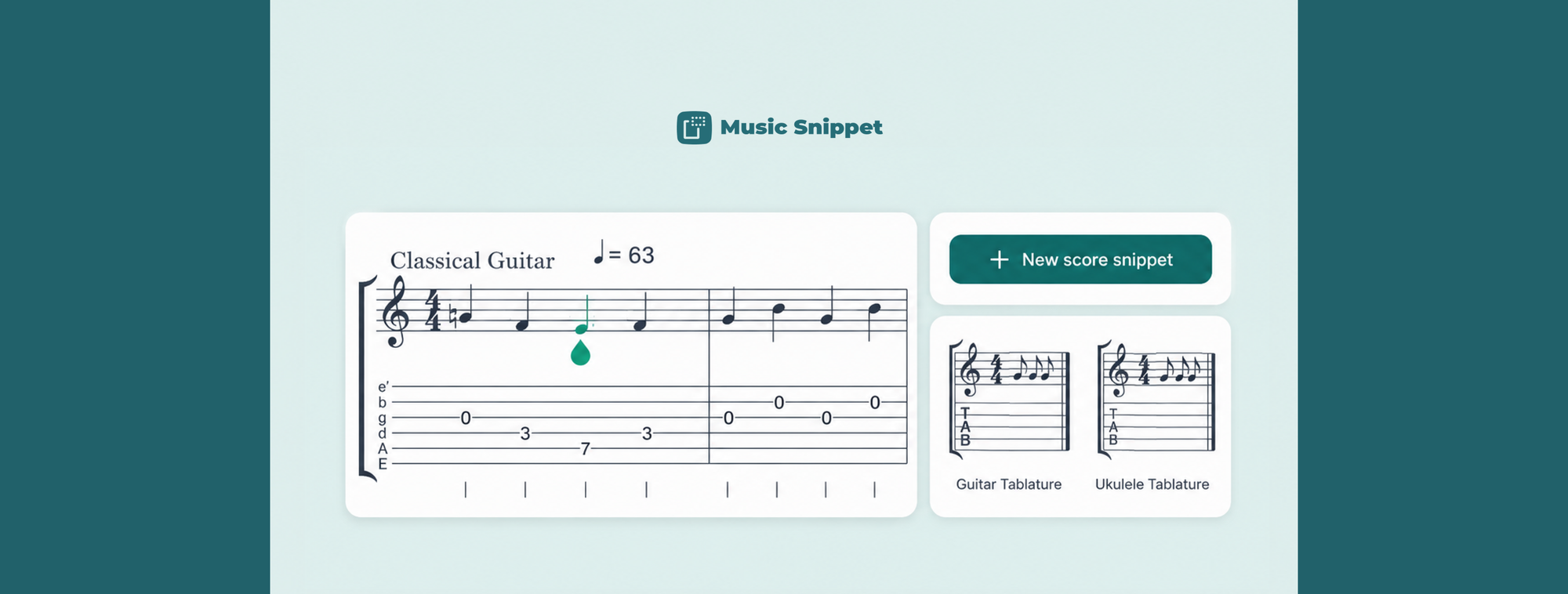
Anyone who has tried to write a guitar tab in Microsoft Word knows the feeling. You switch the font to Courier New, start typing dashes and fret numbers, and for about four bars it looks fine. Then you add one more note, the spacing drifts, the lines stop lining up, and the whole thing turns into a puzzle nobody can read. Print it out and it looks worse.
There's a better way to write guitar tabs in Microsoft Word, and it doesn't involve fonts, tables, or screenshots from a separate notation program. You can build real tablature inside Word itself with a free add-in called Music Snippet, then drop it into your document as a clean, resizable image.
Here's how it works, plus a few honest notes on when the manual methods are still good enough.
Why typing guitar tabs in Word never quite works
Word is built around proportional fonts, which means every character takes up a different amount of horizontal space. A "1" is narrower than a "10", and the gap between them shifts depending on what's around it. Tablature needs the opposite: perfectly even spacing so the fret numbers sit directly above the beat they belong to.
The usual fix is to switch to a monospace font like Courier New, where every character is the same width. That helps, and for a short single-line riff it can be enough. But the moment you need rhythm values, bends, multiple voices, or a tab that runs longer than a couple of bars, you're back to nudging characters by hand. There's no playback, no way to check the tab actually sounds right, and editing one note means re-aligning everything after it.
Screenshots from a dedicated notation app solve the alignment problem but create new ones. They don't scale cleanly, they blur when you resize them, and if you spot a wrong note you have to go back to the other program, fix it, re-export, and paste it in again.
What is Music Snippet?
Music Snippet is a free add-in for Microsoft Word and PowerPoint (and Google Docs and Slides) that lets you create music notation and guitar tablature and insert it directly into your document. You write the tab in a side panel using a proper notation editor, then click once to drop it into your file as an image. No separate software, no screenshots, no font wrangling.
It's made by the team behind Flat for Education, and it's used by more than nine million people, mostly music teachers and students who got tired of the copy-paste shuffle between apps.
How to write guitar tabs in Microsoft Word, step by step
The whole process takes a couple of minutes once the add-in is installed.
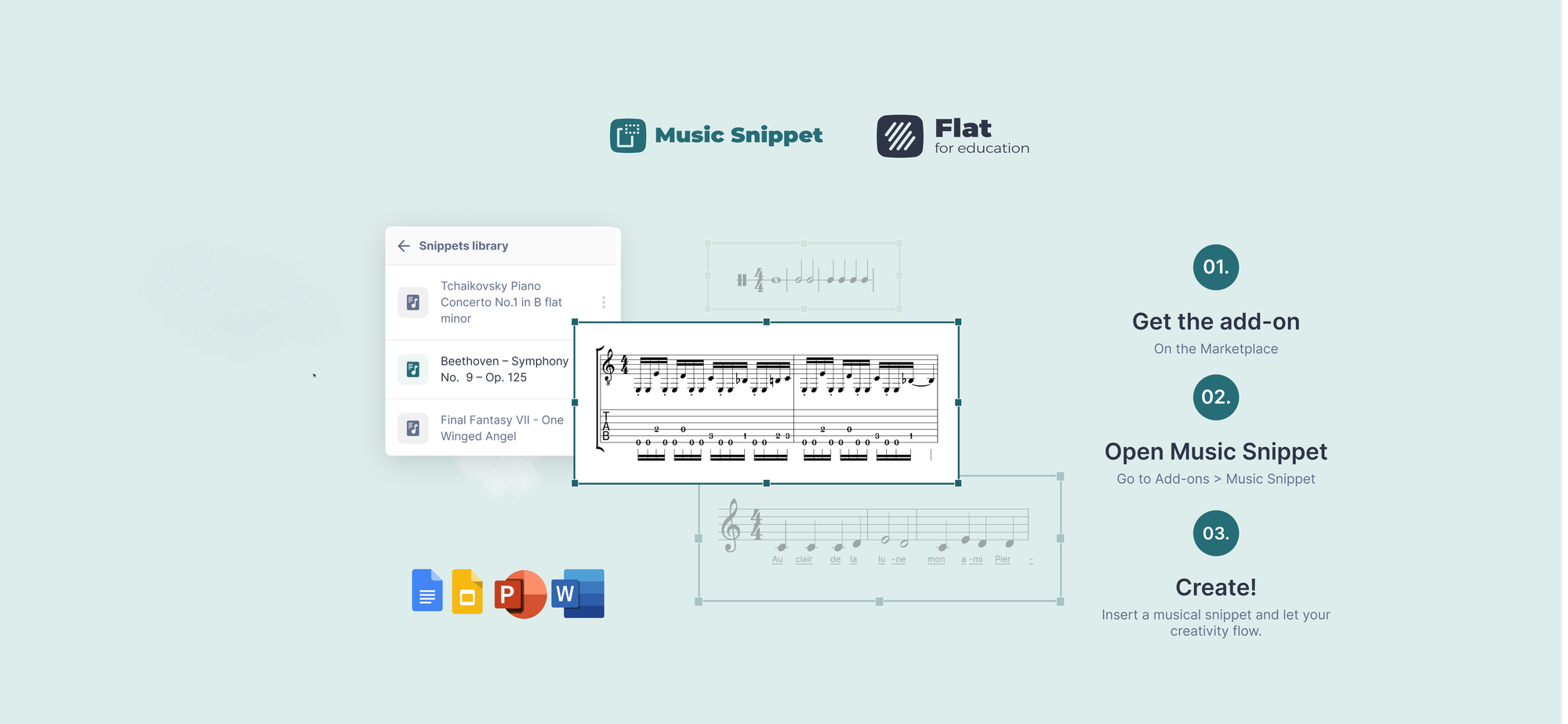
- Install the add-in. Download Music Snippet from the Microsoft Store, or get it from the Microsoft AppSource listing. In Word you'll find it under the Insert menu, in Add-ins.
- Open Music Snippet and sign in. Open the add-in from your Add-ins menu and sign in with your Flat for Education account. If you don't have one, you can create one for free.
- Start a new TAB snippet. Click "New Music Snippet" and choose a tablature stave. Pick the number of strings you need: six for standard guitar, four for bass, or fewer for partial exercises.
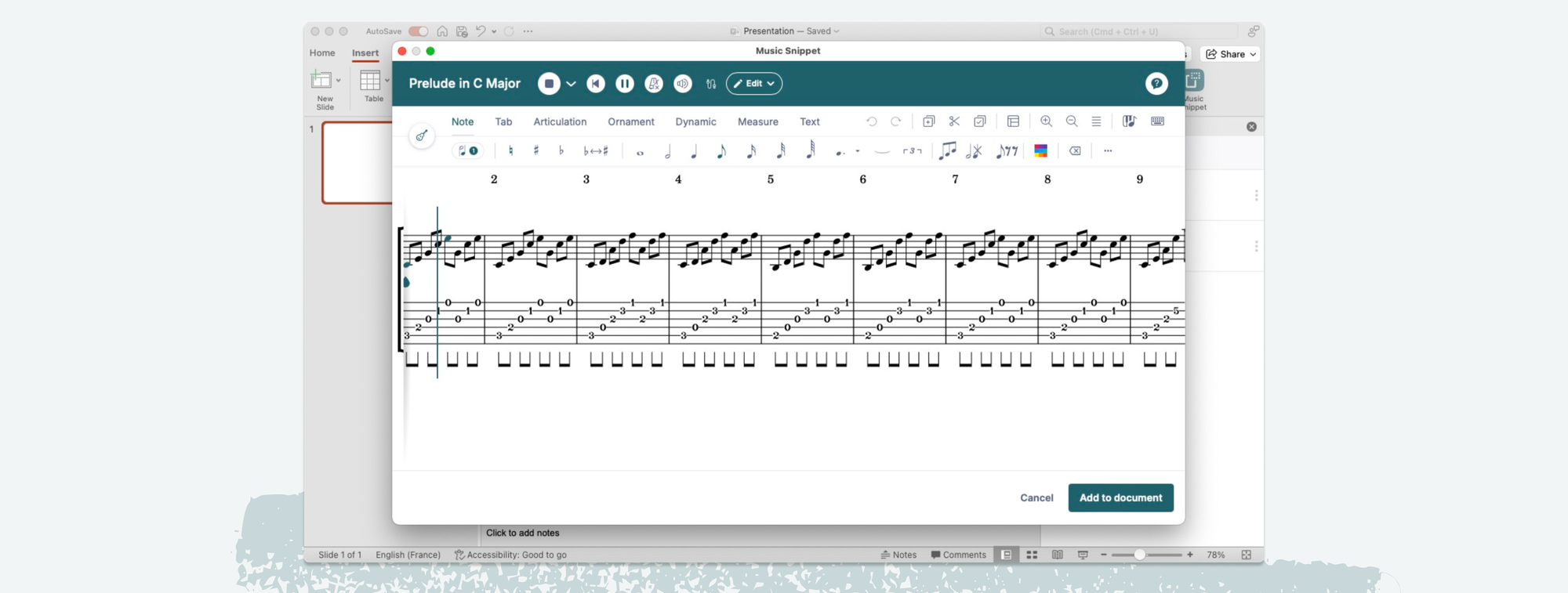
- Write your tab. Enter notes fret by fret using the editor. You can add rhythm values so students know the timing, layer standard notation above the tab if you want both, and use markings like slides, hammer-ons, and pull-offs.
- Insert it into your document. When the tab looks right, click "Add to Document." The tablature appears in Word exactly where your cursor was, as a clean image that scales and prints without losing quality.
Because the snippet goes in as an image, you can resize it, center it, or wrap text around it like any other picture in Word.
Guitar tabs in PowerPoint too
If you teach from slides, the same add-in works in Microsoft PowerPoint. Build the tab once and drop it onto a slide at a size big enough to read across a room or on a shared screen during an online lesson. This is far easier than the old routine of exporting an image from notation software and fiddling with it on every slide.
When the manual method is still fine
To be fair, you don't always need an add-in. If you just want to jot a four-note riff into an email or a quick handout, switching to Courier New and typing it out by hand is perfectly reasonable. The monospace trick works for short, simple, single-line tabs where rhythm doesn't matter much.
The add-in earns its place the moment your tabs get longer or more detailed: full exercises, arrangements, anything with rhythm, anything you'll reuse, or anything students will read closely. That's most of what a working guitar teacher actually produces.
Save and reuse your tabs
One quiet advantage of writing tabs this way: when you sign in with a Flat for Education account, every snippet you make is saved to your score library in a dedicated Music Snippet folder. So the scale exercise you wrote in September is still there in January, ready to pull into a new worksheet without rebuilding it. Over a year that adds up to a real library of reusable material.
For private teachers and studios, Music Snippet also works as a standalone tool. For schools that want managed student accounts, assignment tracking, and the full classroom side, Flat for Education includes Music Snippet and adds the assessment and collaboration layer on top.
Let's get started!
Music Snippet is free to install for Word and PowerPoint. If you teach in a classroom and want the assessment tools around it, Flat for Education offers a free 30-day trial.
FAQ
Can you write guitar tabs in Microsoft Word?
Yes. Microsoft Word has no built-in tablature feature, but the free Music Snippet add-in lets you create real guitar tabs in a notation editor and insert them into your Word document as a clean, resizable image. It works the same way in PowerPoint.
How do I add guitar tabs to Word for free?
Install the free Music Snippet add-in from the Microsoft Store, open it from the Insert menu in Word, sign in with a Flat for Education account, choose a tablature stave, write your tab, and click Add to Document to insert it.
Why do my guitar tabs look misaligned in Word?
Word uses proportional fonts, so each character takes a different width and the fret numbers drift out of alignment. Switching to a monospace font like Courier New helps for short tabs, but a notation add-in like Music Snippet avoids the problem entirely by inserting the tab as an image.
Can I write bass guitar tabs in Word?
Yes. When you create a new tablature snippet in Music Snippet you can choose the number of strings, including four-string bass. The editor works the same way for bass as it does for six-string guitar.
Does Music Snippet work in PowerPoint as well as Word?
Yes. Music Snippet is available as an add-in for both Microsoft Word and PowerPoint, and also for Google Docs and Google Slides. The same tablature editor works across all of them.